Vibe Coding for Beginners: How Kids Can Start Even With Zero Experience
- 3 February 2026
- Published by tutree
- STEM.org Accredited™ Partner

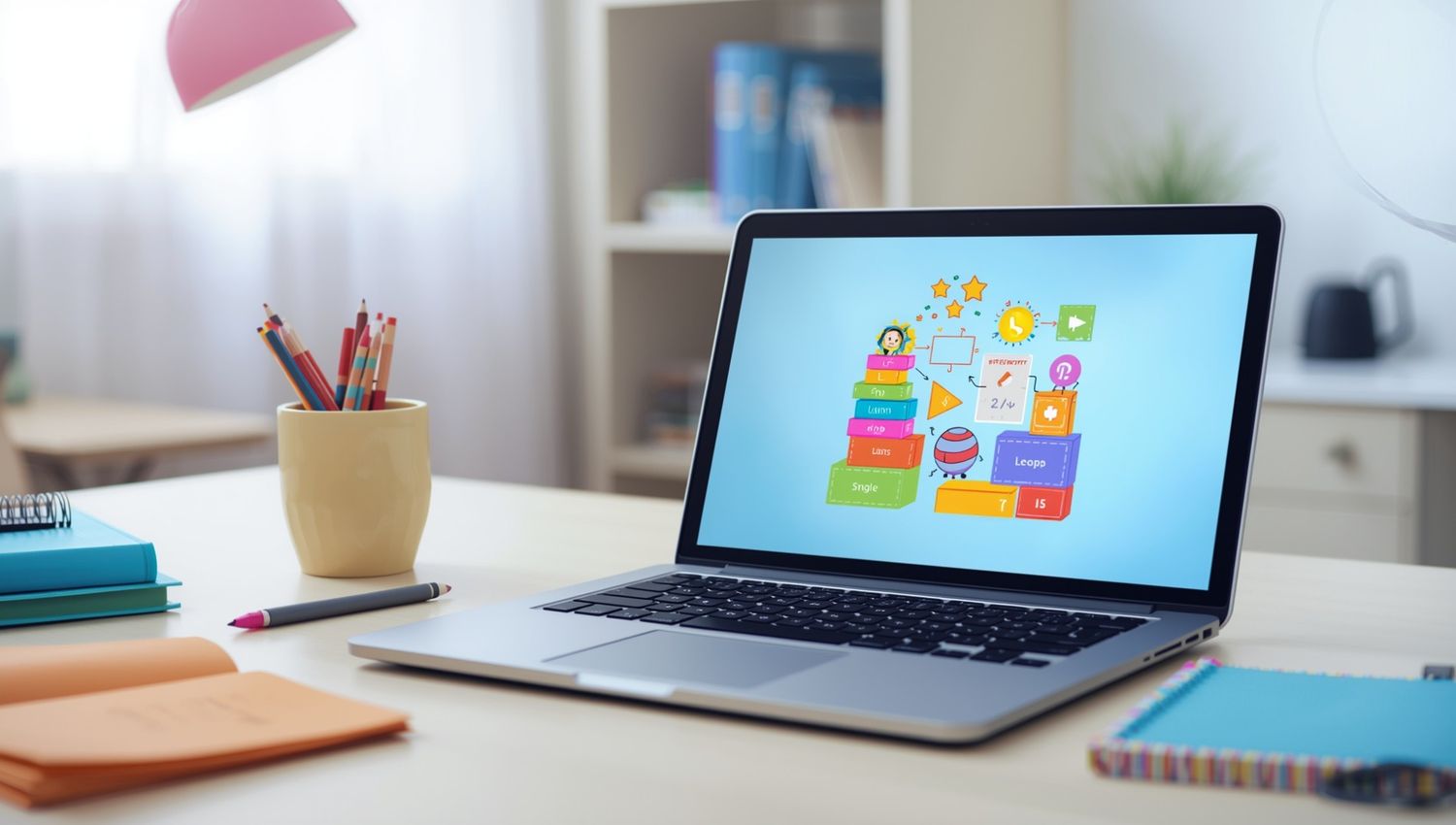
Does the word "coding" make you think of complex math equations and endless lines of green text scrolling down a black screen? If so, you are not alone. Many parents feel intimidated by the idea of their children learning to code. You might worry that it is too technical, too difficult, or simply too boring for a creative child.
But there is a new way to look at computer programming that changes everything. It is called "vibe coding." This approach moves away from the rigid, syntax-heavy methods of the past. Instead, it focuses on creativity, expression, and having fun.
For parents, this is great news. It means your child does not need to be a math genius to start. They do not even need prior experience with computers. Vibe coding allows kids to jump right in, make mistakes, and build cool things from day one. If you want to turn screen time into a productive, confidence-building activity, this guide will show you exactly how to get started.
What Is Vibe Coding for Kids?
At its core, vibe coding is about the experience and the result rather than the strict rules of writing text-based code. Think of it less like writing a technical manual and more like playing with digital LEGO blocks. The goal is to create a specific "vibe" or feeling through a project.
In a traditional setting, a student might spend weeks learning how to print text on a screen. In a vibe coding approach, a student might start by animating a character to dance to their favorite song or creating a digital greeting card for a friend.
This style of coding relies heavily on visual tools. Kids use drag-and-drop interfaces where they snap together commands like puzzle pieces. They can see the results of their work immediately. If they want a cat to meow when clicked, they drag a "play sound" block. It is intuitive, instant, and deeply creative.
Why Vibe Coding Is Ideal for Complete Beginners
If your child has zero experience, traditional programming languages like Python or Java can feel like staring at a wall of hieroglyphics. Vibe coding removes that barrier. It is designed to be accessible from the very first moment.
Here is why this approach works so well for new learners:
-
No Prior Knowledge Required: Kids do not need to know how to type fast or understand algebra. If they can use a mouse or a touchscreen, they can code.
-
Visual and Intuitive: The commands are often color-coded and shaped to fit together only in ways that make sense. This prevents frustrating syntax errors that often discourage beginners.
-
Immediate Feedback: When a child changes a block of code, they see the change happen right away on the screen. This instant gratification keeps them engaged.
-
Low Fear of Failure: Because it feels like a game, mistakes do not feel like failures. They feel like part of the experiment.
-
Builds Curiosity: Instead of worrying about getting the syntax right, kids focus on "what happens if I do this?" This mindset is the foundation of all great engineering.
How Kids Can Start Vibe Coding at Home
Getting started with coding for kids at home is easier than you might think. You do not need expensive software or a high-end computer. You just need a willing learner and the right approach.
Choose the Right Platform
Start with platforms designed specifically for visual learning. Scratch is the most popular option. It was developed by MIT and allows kids to create stories, games, and animations. Other great options include Roblox Studio for game creation or Tynker for structured puzzles.
Start with Blocks
Resist the urge to push them toward "real" text coding too soon. Block-based coding is real coding. It teaches the exact same logic without the frustration of typos. Let them stay in this visual environment until they feel completely confident.
Keep Sessions Short and Fun
Treat coding like a creative hobby, not a homework assignment. Twenty minutes of fun experimentation is better than an hour of forced instruction. Ask them to show you what they built at the end of the session.
Encourage Experimentation
If your child asks, "How do I do this?" try not to give the answer immediately. Instead, ask, "What have you tried so far?" Encourage them to drag blocks around and see what happens. This builds resilience and independence.
Skills Kids Build Even at the Beginner Level
You might wonder if dragging blocks around is actually educational. The answer is a resounding yes. Even when kids are just "vibing" and making funny animations, their brains are doing heavy lifting.
Logical Thinking
To make a character walk across the screen, a child has to understand cause and effect. They learn that computers only do exactly what they are told.
Sequencing and Patterns
Kids learn that the order of instructions matters. If they tell the computer to "jump" before "run," the result is different from "run" before "jump." This is the basis of algorithmic thinking.
Creativity and Imagination
Vibe coding turns consumers into creators. Instead of just playing a video game, they are deciding how the game works. They are using their imagination to solve problems.
Problem-Solving Confidence
When a project does not work the first time, your child has to figure out why. Fixing these small bugs gives them a massive boost in confidence. They realize they can overcome challenges on their own.
Common Beginner Challenges and How to Overcome Them
Starting is easy, but keeping the momentum going can be tricky. Here are a few hurdles you might face and how to handle them.
Losing Interest
Sometimes the novelty fades. If this happens, change the project. If they are bored with animating cats, try making a simple video game or a music video. Tie the coding project to their other interests.
Getting Stuck
It is normal to hit a wall. If your child gets frustrated, suggest a "brain break." Step away from the screen for ten minutes. Often, the solution appears when they are not looking at the problem.
The "I Can't Do It" Moment
When a child says they can't do it, remind them that they can't do it yet. Remind them of a previous problem they solved. Validate their frustration, but encourage them to try one more small step.
When Beginners Benefit From Guided Coding Support
Self-paced learning is fantastic, but there often comes a point where a child needs more structure. You might notice they are reusing the same three blocks or getting bored because they don't know how to make their complex ideas come to life.
This is where live coding classes for kids can make a significant difference. A structured environment provides a roadmap. Instead of randomly guessing, a child learns the "why" behind the code.
Live guidance also offers real-time feedback. When a child is stuck, a human instructor can spot the issue instantly and guide them toward the solution without giving it away. This prevents the kind of deep frustration that leads to quitting. Furthermore, having a mentor provides accountability and encouragement, turning a solitary activity into a social and supported one.
How Tutree Supports Beginner Coders
At Tutree, we understand that every child learns differently. We specialize in helping beginners take that first step with confidence. Our approach to online coding classes for kids is rooted in personalization. We do not use cookie-cutter video lessons.
Our coding tutors for kids are high-performing high school and college students who know how to make learning relatable and fun. They act as mentors, guiding your child through the basics of vibe coding and beyond. Because our classes are 1-on-1, the pace is set entirely by your child. If they want to spend two weeks perfecting a game, they can. If they race through the basics, we challenge them with new concepts.
For parents, we offer full transparency. You can track your child's progress and see exactly what skills they are mastering. It is a stress-free way to ensure your child is gaining valuable digital skills.
Conclusion
Coding does not have to be scary. It does not have to be boring. With the vibe coding approach, it can be one of the most creative and empowering activities your child does. The most important thing to remember is that experience is not required. Curiosity is the only prerequisite.
Focus on building confidence and consistency. Celebrate the small wins, like making a sprite spin or adding a sound effect. Start small, keep it light, and watch their digital literacy grow naturally.
Ready to give your child a fun, stress-free start to coding? Explore our beginner-friendly coding support and book a session today.
Related Articles
AI coding agents are changing how software is built, but what does this mean for students learning to code? Explore how coding education may evolve in 2027, the role of AI agents, and why programming fundamentals, problem-solving, creativity, and responsible AI use will remain essential for the next generation of builders.
AI tools like ChatGPT and GitHub Copilot are changing how code gets written — but they haven't made coding obsolete. In fact, coding skills are more valuable than ever. This guide helps parents understand why children should still learn programming, what skills truly matter in the AI era, and how starting early gives kids a lifelong advantage in any career they choose.
Vibe coding strengthens core math skills by reinforcing logic, patterns, and structured problem solving through hands-on programming. By applying math concepts in real projects, students build confidence, improve reasoning, and develop academic skills that support long-term success across subjects.
