Unlock Your Child's Full Potential Today!
1:1 live online • 1 dedicated academic counselor
STEM.org Accredited™ Partner
Mason Williams Scratch,Roblox Coding Tutor in Charlotte, NC
Tutor Location
Mason Williams specializes in Scratch and Roblox for intermediate learners who want to bring more interactivity to their projects. With four years of experience, Mason helps kids design multi-level games, puzzles, and simulations. His lessons include vibe-coding logic sheets, where students explain cause-and-effect relationships before writing scripts. Mason is structured, motivating, and great at helping kids polish and complete complex projects.
Browse More Tutors in Charlotte, NC

Liam Brown
 4.6
4.6
Hourly Rate
$20
Location
Charlotte, NC
Experience
2 years

Hannah Harris
4.1
Hourly Rate
$38
Location
Charlotte, NC
Experience
8 years
Sophia Jones
4.4
Hourly Rate
$65
Location
Charlotte, NC
Experience
8 years

Evelyn Brown
4.8
Hourly Rate
$55
Location
Charlotte, NC
Experience
5 years
Most Affordable Pricing Guaranteed
Find a lower price elsewhere, and we'll not only match it — we'll ensure you get the best deal possible
Flexible Payment Options

Select Subject & Preferences
Math
Online
Recent Blogs
AI coding agents are changing how software is built, but what does this mean for students learning to code? Explore how coding education may evolve in 2027, the role of AI agents, and why programming fundamentals, problem-solving, creativity, and responsible AI use will remain essential for the next generation of builders.
AI tools like ChatGPT and GitHub Copilot are changing how code gets written — but they haven't made coding obsolete. In fact, coding skills are more valuable than ever. This guide helps parents understand why children should still learn programming, what skills truly matter in the AI era, and how starting early gives kids a lifelong advantage in any career they choose.
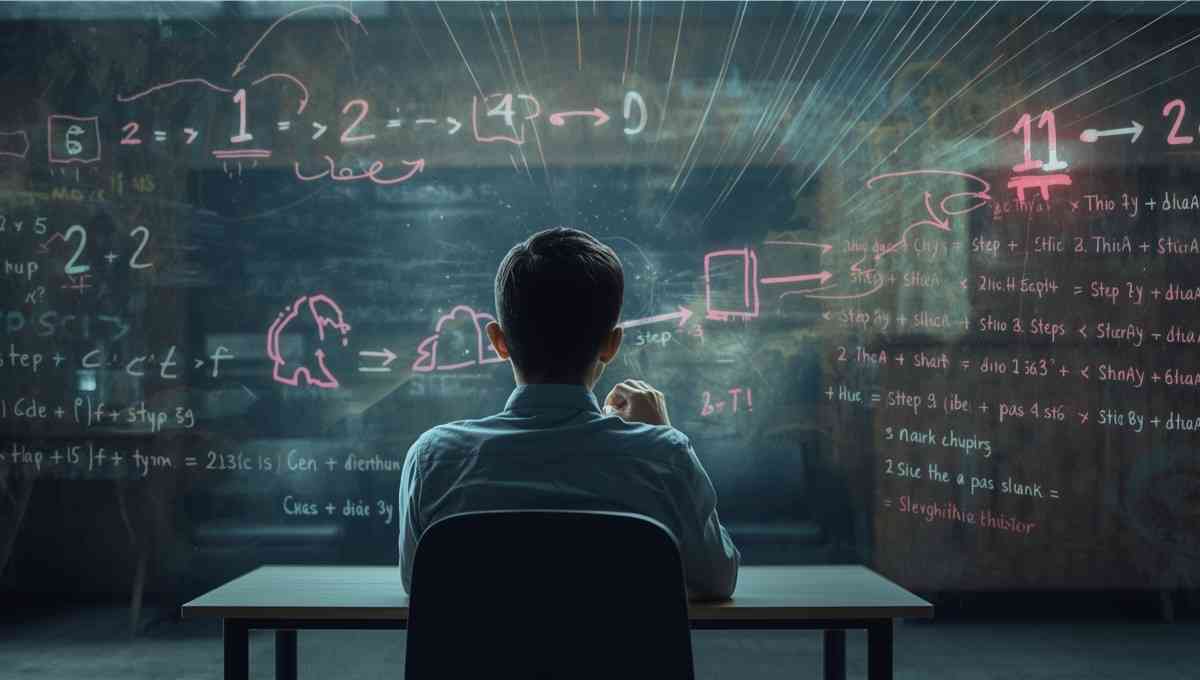
Vibe coding strengthens core math skills by reinforcing logic, patterns, and structured problem solving through hands-on programming. By applying math concepts in real projects, students build confidence, improve reasoning, and develop academic skills that support long-term success across subjects.
Tutors Near Charlotte, NC
Coding Tutor in Paw CreekCoding Tutor in NewellCoding Tutor in MatthewsCoding Tutor in PinevilleCoding Tutor in Mount HollyCoding Tutor in BelmontCoding Tutor in Mint HillCoding Tutor in HarrisburgCoding Tutor in HuntersvilleCoding Tutor in StallingsCoding Tutor in CramertonCoding Tutor in Mc AdenvilleCoding Tutor in Indian TrailCoding Tutor in WeddingtonCoding Tutor in Lowell
Chat with Us👋