Unlock Your Child's Full Potential Today!
1:1 live online • 1 dedicated academic counselor
STEM.org Accredited™ Partner
Mason Williams Scratch and Roblox Coding Tutor in Cuba City, WI
Tutor Location
About Mason Williams:
With a passion for computer science and a flair for creative instruction, Mason Williams, based in Cuba City, WI, is a renowned tutor who transforms the daunting world of coding into a playful and appealing experience for the young minds of tomorrow. Specializing in Scratch and Roblox, Mason has dedicated the past three years to cultivating an environment where learning and enjoyment go hand in hand. His philosophy is rooted in the belief that when children enjoy what they're doing, they're more likely to engage, retain, and apply the knowledge they acquire.
Mason possesses a unique ability to connect with students, fostering a warm and inviting learning atmosphere that encourages creativity and innovation. With a background in computer science and game development, Mason has finely honed his expertise to teach coding in the most relatable and impactful way possible.
Skills and Expertise:
Mason's skill set is a harmonious blend of technical proficiency, educational prowess, and a keen understanding of child pedagogy. His expertise encompasses:
In-depth knowledge of Scratch and Roblox platforms, including advanced scripting and game design techniques.
Proficiency in teaching programming concepts, such as loops, conditional statements, variables, and event handling.
Strong emphasis on creative thinking and problem-solving, encouraging students to approach challenges with a solutions-oriented mindset.
Committed to fostering digital literacy and ensuring safe online environments for children to learn and create.
Tailoring lesson plans to suit individual learning styles and paces, ensuring that every child can thrive in their coding journey.
FAQs:
Q1: What ages do you teach?
A1: I specialize in teaching children aged 7 to 14, providing a curriculum that scales with age and skill level.
Q2: How do you ensure that my child stays safe while learning online?
A2: I prioritize online safety by employing secure, child-friendly platforms and maintaining a transparent, parents-involved approach to digital learning.
Q3: Will my child need any special software or equipment?
A3: All your child will need is a computer with internet access. Scratch and Roblox are accessible online and do not require any additional purchases.
Q4: How do you track and report progress?
A4: I maintain progress reports and provide regular updates to parents, including showcasing projects and milestones achieved throughout the course.
Testimonials:
"Mr. Williams has made a world of difference for my son! He's now excited to do his coding homework, and I'm amazed at the games he's creating. Highly recommend Mason's classes!" -Jennifer S.
"Our daughter was initially shy about coding, but Mason's enthusiasm and patience have truly brought her out of her shell. She is not only learning but leading her coding club with confidence. Thank you, Mason!" -Luis and Mariana G.
"Mason's class has been a game-changer for my twins. They look forward to every session and have developed a real passion for technology. It's wonderful to see them apply logic and creativity in their projects." -Samantha W.
Join the ranks of satisfied parents and provide your child with the tools to navigate the digital world with confidence. Enroll your child in Mason Williams's classes—an adventure in learning where coding meets creativity!

Mason Williams
 4.6
4.6
Hourly rate
$20
Location
Cuba City, WI
Experience
3 years
Browse More Tutors in Cuba City, WI
Mason Jones
4.4
Hourly Rate
$20
Location
Cuba City, WI
Experience
8 years
Benjamin Smith
4.3
Hourly Rate
$20
Location
Cuba City, WI
Experience
9 years
Noah Williams
4.5
Hourly Rate
$20
Location
Cuba City, WI
Experience
5 years
James Williams
4.9
Hourly Rate
$20
Location
Cuba City, WI
Experience
8 years
Most Affordable Pricing Guaranteed
Find a lower price elsewhere, and we'll not only match it — we'll ensure you get the best deal possible
Flexible Payment Options


Select Subject & Preferences
Math
Online
Recent Blogs
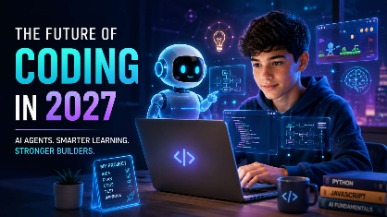
AI coding agents are changing how software is built, but what does this mean for students learning to code? Explore how coding education may evolve in 2027, the role of AI agents, and why programming fundamentals, problem-solving, creativity, and responsible AI use will remain essential for the next generation of builders.
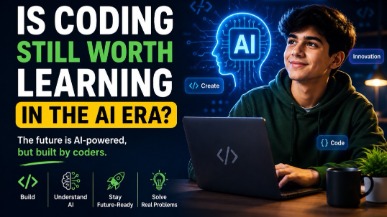
AI tools like ChatGPT and GitHub Copilot are changing how code gets written — but they haven't made coding obsolete. In fact, coding skills are more valuable than ever. This guide helps parents understand why children should still learn programming, what skills truly matter in the AI era, and how starting early gives kids a lifelong advantage in any career they choose.
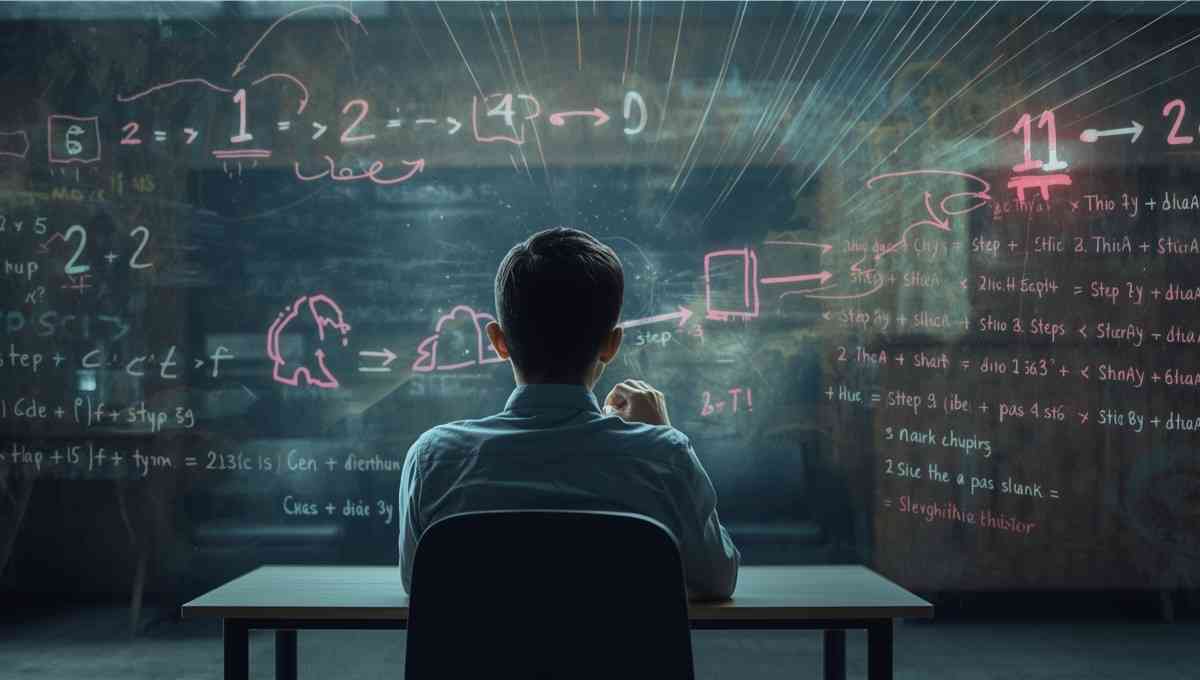
Vibe coding strengthens core math skills by reinforcing logic, patterns, and structured problem solving through hands-on programming. By applying math concepts in real projects, students build confidence, improve reasoning, and develop academic skills that support long-term success across subjects.
Tutors Near Cuba City, WI
Coding Tutor in Hazel GreenCoding Tutor in BentonCoding Tutor in SinsinawaCoding Tutor in DickeyvilleCoding Tutor in KielerCoding Tutor in PlattevilleCoding Tutor in BelmontCoding Tutor in ShullsburgCoding Tutor in Scales MoundCoding Tutor in GalenaCoding Tutor in East DubuqueCoding Tutor in DubuqueCoding Tutor in PotosiCoding Tutor in DarlingtonCoding Tutor in Asbury
Chat with Us👋