Unlock Your Child's Full Potential Today!
1:1 live online • 1 dedicated academic counselor
STEM.org Accredited™ Partner
Mason Smith Scratch and Roblox Coding Tutor in Baytown, TX
Tutor Location
Tutor Profile: Mason Smith - Expert in Kids’ Coding Education
About
Hi! I'm Mason Smith, and I’m passionate about empowering the next generation with the magic of coding. Living in Baytown, TX, I specialize in teaching children how to bring their imagination to life through coding in Scratch and Roblox. With over 8 years of experience under my belt, I am committed to making learning an adventure that each child looks forward to.
Professional Background
My journey in the field of tech education began 8 years ago when I first realized my love for teaching and the enormous potential coding has for fostering creativity in young minds. Since then, I have dedicated myself to honing my skills as an educator and staying updated with the latest trends in kids’ coding. I work closely with schools and learning centers in Baytown, equipping them with exciting coding curriculums, and have been instrumental in nurturing future digital creators.
Teaching Style
My teaching philosophy is simple: make learning so enjoyable that kids don’t realize they’re acquiring essential skills for the future. In my classes, you’ll find a lively and interactive environment where students engage with coding through storytelling, game play, and problem-solving. By personalizing teaching methods to suit individual learning paces and preferences, I ensure that every student not only understands coding concepts but also applies them to create something they're proud of. Through this practical experience, students learn critical thinking, logic, and design skills—all while having a blast!
FAQs
Q1: What age group do you specialize in?
Q2: How do you cater to beginners versus more advanced students?
Q3: Do you offer group sessions or one-on-one lessons?
Q4: Is there a trial session available?
Testimonials
“Mason has an incredible knack for making coding accessible to kids. My son used to be disinterested in his computer classes, but now he eagerly looks forward to his sessions with Mr. Smith!” - Samantha P.
“Our daughter has thrived under Mason’s tutoring. She’s not only learned how to code but has also developed a real passion for game design. We’re amazed at her progress!” - Elliot K.
“Mr. Smith has a talent for connecting with his students. He’s patient, makes learning fun, and encourages kids to push their creative boundaries. Highly recommended.” - Michelle G.
I come highly recommended with 49 reviews averaging 4.4 stars, reflecting my commitment to quality education and student success. If your child is poised to start their coding journey or seeking to sharpen their skills further, I’d be thrilled to guide them every step of the way. Join me for an unforgettable learning experience where fun, creativity, and innovation lead the way!

Mason Smith
 4.4
4.4
Hourly rate
$20
Location
Baytown, TX
Experience
8 years
Browse More Tutors in Baytown, TX
Benjamin Johnson
4.2
Hourly Rate
$20
Location
Baytown, TX
Experience
8 years
Henry Jones
4.9
Hourly Rate
$20
Location
Baytown, TX
Experience
3 years
Mia Brown
4.9
Hourly Rate
$20
Location
Baytown, TX
Experience
7 years
Mia Williams
4.3
Hourly Rate
$20
Location
Baytown, TX
Experience
7 years
Most Affordable Pricing Guaranteed
Find a lower price elsewhere, and we'll not only match it — we'll ensure you get the best deal possible
Flexible Payment Options

Select Subject & Preferences
Math
Online
Recent Blogs
AI coding agents are changing how software is built, but what does this mean for students learning to code? Explore how coding education may evolve in 2027, the role of AI agents, and why programming fundamentals, problem-solving, creativity, and responsible AI use will remain essential for the next generation of builders.
AI tools like ChatGPT and GitHub Copilot are changing how code gets written — but they haven't made coding obsolete. In fact, coding skills are more valuable than ever. This guide helps parents understand why children should still learn programming, what skills truly matter in the AI era, and how starting early gives kids a lifelong advantage in any career they choose.
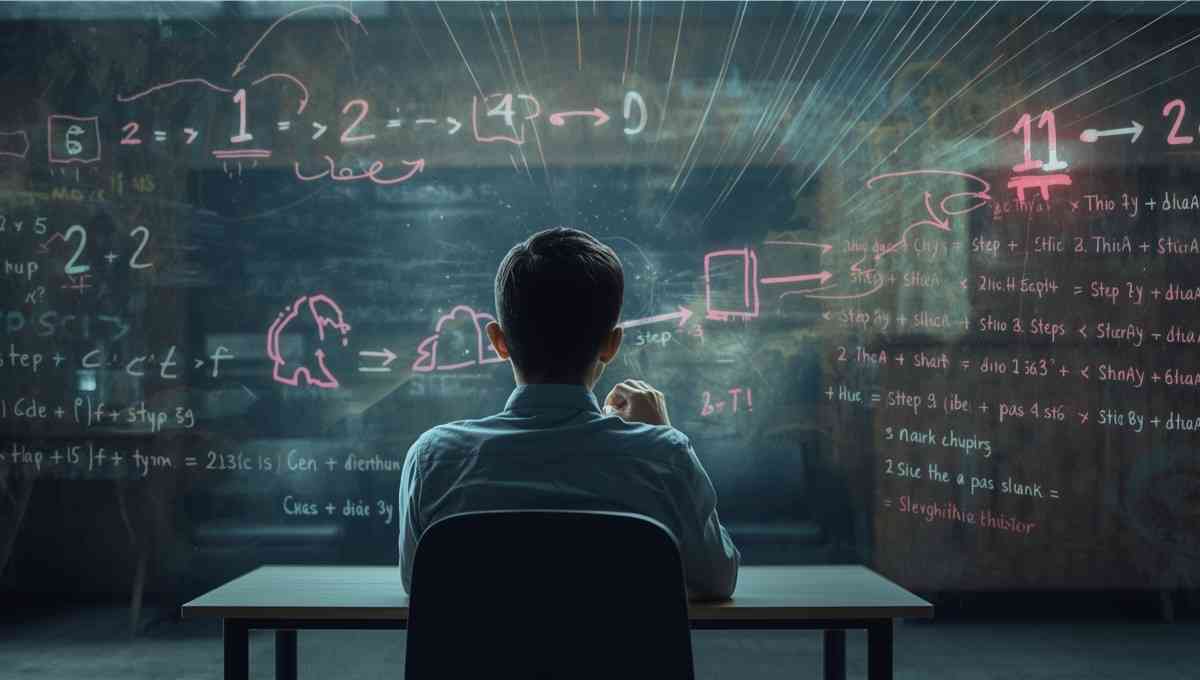
Vibe coding strengthens core math skills by reinforcing logic, patterns, and structured problem solving through hands-on programming. By applying math concepts in real projects, students build confidence, improve reasoning, and develop academic skills that support long-term success across subjects.
Tutors Near Baytown, TX
Coding Tutor in La PorteCoding Tutor in Beach CityCoding Tutor in HighlandsCoding Tutor in ChannelviewCoding Tutor in Deer ParkCoding Tutor in Mont BelvieuCoding Tutor in BarrettCoding Tutor in SeabrookCoding Tutor in SheldonCoding Tutor in CrosbyCoding Tutor in KemahCoding Tutor in PasadenaCoding Tutor in Galena ParkCoding Tutor in BacliffCoding Tutor in Webster
Chat with Us👋