Unlock Your Child's Full Potential Today!
1:1 live online • 1 dedicated academic counselor
STEM.org Accredited™ Partner
James Smith Scratch and Roblox Coding Tutor in Bayside, WI
Tutor Location
About James Smith
Welcome to the interactive world of learning with James Smith, your go-to Scratch and Roblox guide in Bayside, WI. With a zest for infusing fun into coding, I have dedicated the past seven years to teaching the nuances of Scratch and Roblox to young, curious minds. My passion for programming and gaming shines through in every lesson, captivating my students and nurturing a love for technology that goes far beyond the classroom.
Having served a diverse group of learners, I take pride in tailoring my approach to meet each child's unique needs. My aim is to demystify coding and transform it into a playground where imagination meets skill, leading to tangible creations that students can be proud of. With a diligent commitment to my craft, I've accumulated 36 glowing reviews from satisfied parents and students, averaging an impressive 4.9-star rating.
Experience
As a seasoned tutor in Bayside, I've carved a niche in Scratch and Roblox education, adapting to the ever-evolving digital landscape. Throughout my seven-year tenure, I've crafted a comprehensive curriculum that not only teaches the basics of coding but also delves into the more advanced techniques required to build immersive games and interactive projects. My experience has shown that a hands-on, project-based approach is key to mastering these platforms.
Teaching Approach
Understanding that each child learns differently, I employ a variety of teaching methods tailored to individual learning styles. My classes are a blend of direct instruction, guided practice, and independent creation. I emphasize the importance of problem-solving and critical thinking, ensuring that each lesson is a step towards becoming not just a consumer of technology, but a creative force within it.
In the initial phases, I cover the fundamentals of block-based coding with Scratch, gradually ramping up to the more intricate aspects of Roblox's Lua scripting. As students progress, they are encouraged to work on their own gaming projects, drawing on the concepts they've learned. This hands-on approach instills confidence and fosters a sense of accomplishment.
FAQs
Testimonials
"My 10-year-old daughter has grown in confidence and creativity since starting with James. She's not only learning to code, but she's also thriving in problem-solving. A fantastic mentor!" - Sarah L.
"James has a way of connecting with his students. My son was disinterested in conventional learning until he discovered the joys of creating his own Roblox games. James's classes have been a game-changer!" - David T.
"We've tried several coding tutors, but none compare to James. His engaging style and deep knowledge of Scratch and Roblox inspire my children in every session. We're grateful for his guidance." - Patricia G.

James Smith
 4.9
4.9
Hourly rate
$20
Location
Bayside, WI
Experience
7 years
Browse More Tutors in Bayside, WI
Lucas Smith
5
Hourly Rate
$20
Location
Bayside, WI
Experience
3 years
Olivia Brown
4.4
Hourly Rate
$20
Location
Bayside, WI
Experience
6 years
Lucas Johnson
4.7
Hourly Rate
$20
Location
Bayside, WI
Experience
5 years
Liam Johnson
4.8
Hourly Rate
$20
Location
Bayside, WI
Experience
10 years
Most Affordable Pricing Guaranteed
Find a lower price elsewhere, and we'll not only match it — we'll ensure you get the best deal possible
Flexible Payment Options


Select Subject & Preferences
Math
Online
Recent Blogs
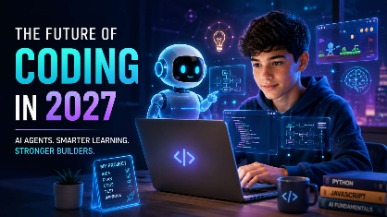
AI coding agents are changing how software is built, but what does this mean for students learning to code? Explore how coding education may evolve in 2027, the role of AI agents, and why programming fundamentals, problem-solving, creativity, and responsible AI use will remain essential for the next generation of builders.
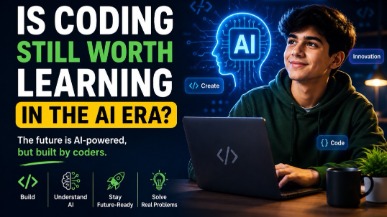
AI tools like ChatGPT and GitHub Copilot are changing how code gets written — but they haven't made coding obsolete. In fact, coding skills are more valuable than ever. This guide helps parents understand why children should still learn programming, what skills truly matter in the AI era, and how starting early gives kids a lifelong advantage in any career they choose.
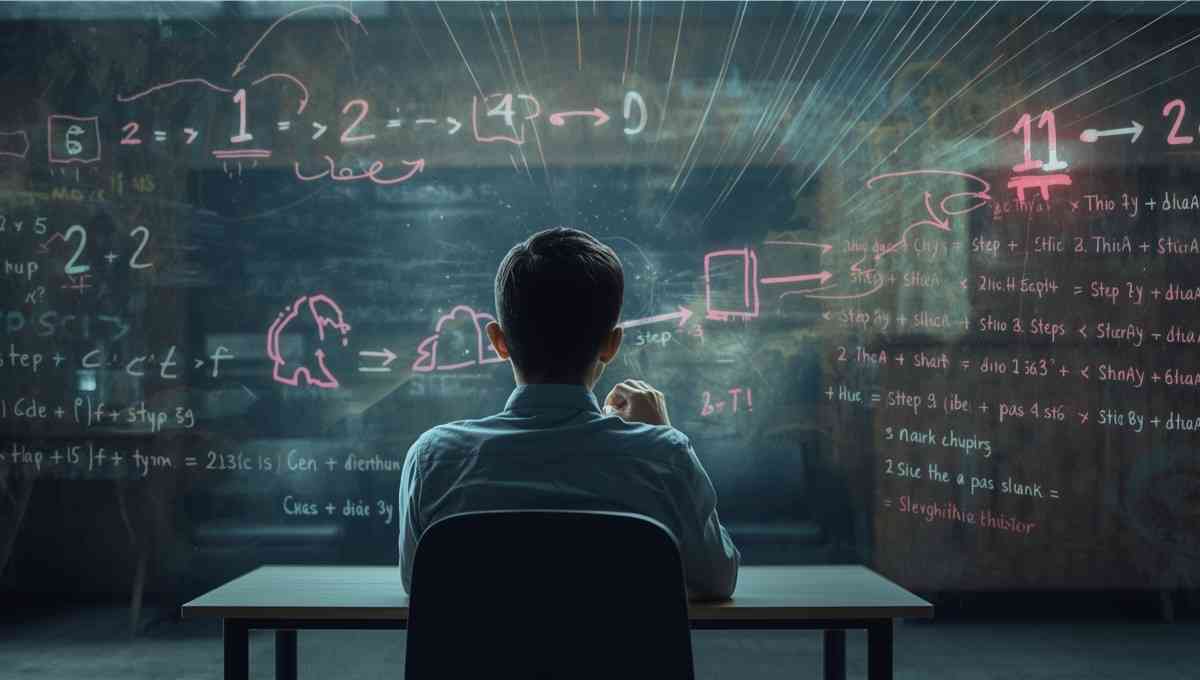
Vibe coding strengthens core math skills by reinforcing logic, patterns, and structured problem solving through hands-on programming. By applying math concepts in real projects, students build confidence, improve reasoning, and develop academic skills that support long-term success across subjects.
Tutors Near Bayside, WI
Coding Tutor in Brown DeerCoding Tutor in GlendaleCoding Tutor in Whitefish BayCoding Tutor in ThiensvilleCoding Tutor in ShorewoodCoding Tutor in MequonCoding Tutor in CedarburgCoding Tutor in MilwaukeeCoding Tutor in GraftonCoding Tutor in ButlerCoding Tutor in WauwatosaCoding Tutor in Menomonee FallsCoding Tutor in GermantownCoding Tutor in West AllisCoding Tutor in Elm Grove
Chat with Us👋