Unlock Your Child's Full Potential Today!
1:1 live online • 1 dedicated academic counselor
STEM.org Accredited™ Partner
James Jones Roblox Coding Tutor in Sinking Spring, PA
Tutor Location
About James Jones:
With a decade of experience under his belt, James Jones stands out as a preeminent Roblox tutor in Sinking Spring, PA. His passion for coding and game design translates into an educational experience that's both enjoyable and intellectually rewarding. James isn't just a teacher; he's a guide into the world of imagination and creativity enabled by the Roblox platform. His approach emphasizes the joy of learning and the excitement of bringing ideas to life through coding.
Experience:
Over the past 10 years, James has honed his skills not only as an expert in Roblox but also as a mentor capable of nurturing young minds. He has worked with a broad spectrum of students, from beginners who have never written a line of code to aspiring game developers seeking to polish their skills. Throughout his teaching career, James has developed a curriculum that's comprehensive, contemporary, and adaptable to the individual needs of each student.
Teaching Approach:
James believes that the key to effective learning is engagement. As such, his classes are infused with fun, hands-on projects that encourage students to explore and experiment. He skillfully blends theoretical knowledge with practical application, ensuring that concepts are deeply understood and retained. James's approach is tailored to each learner's pace, fueling their passion for coding while simultaneously building their confidence and competence in game development.
FAQs:
Q: At what age can children start taking classes with James?
A: James's coding classes are tailored for children ages 7 and up. He believes that starting young nurtures a lifelong passion for learning and technology.
Q: What will my child need to begin classes?
A: A computer with internet access, the Roblox Studio installed, and a willingness to learn are all your child needs to begin their journey with James.
Q: How does James ensure that gaming remains a positive experience for children?
A: By focusing on the educational aspects of game design and coding, James promotes critical thinking, problem-solving, and creativity. He ensures that screen time is productive, educational, and balanced with other activities.
Q: Does James offer group classes or one-on-one sessions?
A: James offers both one-on-one sessions for personalized attention and group classes to foster teamwork and collaborative skills among students.
Testimonials:
"James has been an amazing mentor to my son. Under his guidance, my child didn't just learn to code; he's developed a passion for creating his own games. It's wonderful to see him so excited about learning." - Sarah L.
"My daughter was hesitant about coding at first, but James's friendly and fun approach quickly won her over. Now, she's constantly coming up with new ideas and can't wait for her next class." - David Q.
"Mr. Jones has a fantastic way of connecting with his students. My children have learned so much, and their confidence in their abilities has soared. I couldn't ask for a better role model and teacher for them in the field of technology." - Veronica W.
In summary, James Jones is more than a Roblox tutor; he's a cornerstone in the Sinking Spring community for fostering young technologists with his engaging, fun-filled, and educational approach to coding and game design.

James Jones
 4.6
4.6
Hourly rate
$20
Location
Sinking Spring, PA
Experience
10 years
Browse More Tutors in Sinking Spring, PA
Harper Smith
4.9
Hourly Rate
$20
Location
Sinking Spring, PA
Experience
10 years
Olivia Brown
4.4
Hourly Rate
$20
Location
Sinking Spring, PA
Experience
9 years
Olivia Williams
4.4
Hourly Rate
$20
Location
Sinking Spring, PA
Experience
2 years
Lucas Jones
4.3
Hourly Rate
$20
Location
Sinking Spring, PA
Experience
4 years
Most Affordable Pricing Guaranteed
Find a lower price elsewhere, and we'll not only match it — we'll ensure you get the best deal possible
Flexible Payment Options


Select Subject & Preferences
Math
Online
Recent Blogs
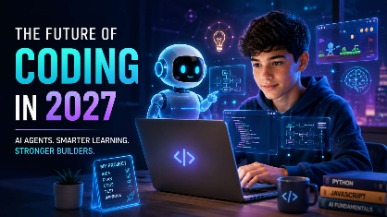
AI coding agents are changing how software is built, but what does this mean for students learning to code? Explore how coding education may evolve in 2027, the role of AI agents, and why programming fundamentals, problem-solving, creativity, and responsible AI use will remain essential for the next generation of builders.
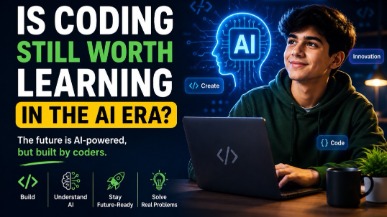
AI tools like ChatGPT and GitHub Copilot are changing how code gets written — but they haven't made coding obsolete. In fact, coding skills are more valuable than ever. This guide helps parents understand why children should still learn programming, what skills truly matter in the AI era, and how starting early gives kids a lifelong advantage in any career they choose.
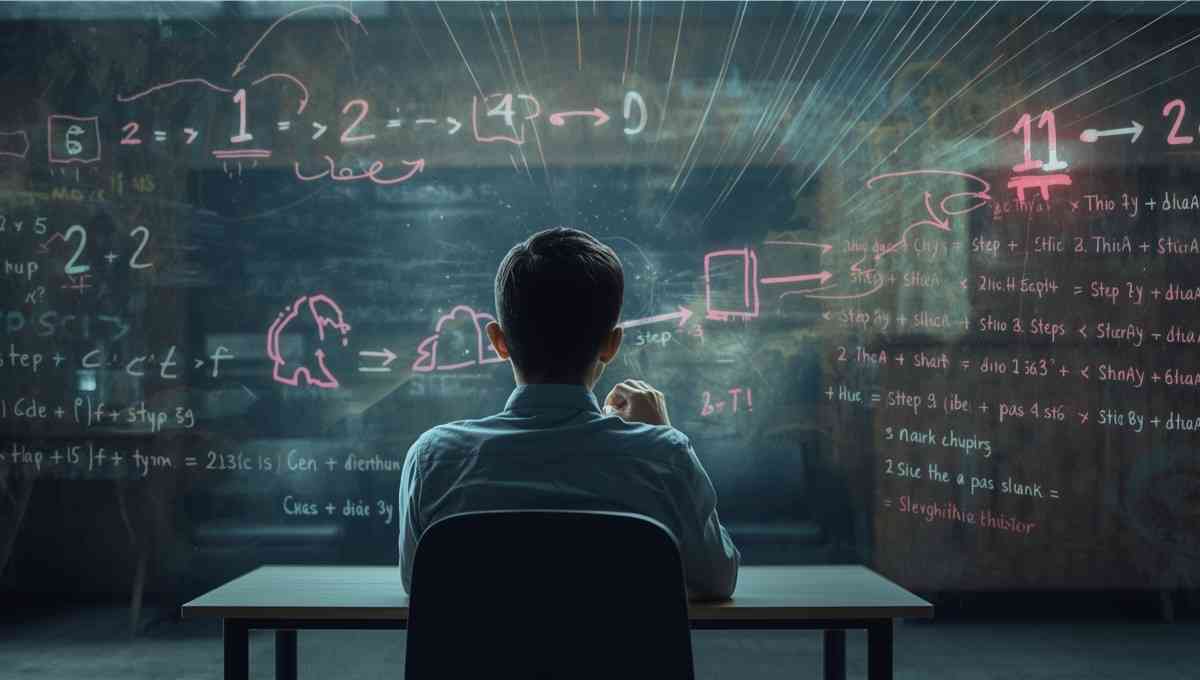
Vibe coding strengthens core math skills by reinforcing logic, patterns, and structured problem solving through hands-on programming. By applying math concepts in real projects, students build confidence, improve reasoning, and develop academic skills that support long-term success across subjects.
Tutors Near Sinking Spring, PA
Coding Tutor in WhitfieldCoding Tutor in Lincoln ParkCoding Tutor in WyomissingCoding Tutor in ShillingtonCoding Tutor in MohntonCoding Tutor in WernersvilleCoding Tutor in ReadingCoding Tutor in Hyde ParkCoding Tutor in AdamstownCoding Tutor in ReinholdsCoding Tutor in TempleCoding Tutor in Saint LawrenceCoding Tutor in LeesportCoding Tutor in LoraneCoding Tutor in Bowmansville
Chat with Us👋