Unlock Your Child's Full Potential Today!
1:1 live online • 1 dedicated academic counselor
STEM.org Accredited™ Partner
James Johnson Roblox Coding Tutor in Big Spring, TX
Tutor Location
About
Hello, and welcome to the exciting world of Roblox coding! My name is James Johnson, your dedicated guide to mastering the art of creating, exploring, and enjoying digital realms. For seven incredible years, I've been teaching the magic of Roblox right here in Big Spring, TX, where technology meets creativity. My passion lies in lighting a spark in young minds, nurturing their curiosity, and transforming it into tangible, playable adventures.
Background
With a diverse background in computer science and a specialization in game development, I discovered the joy of sharing knowledge early on. Over the years, I have honed my skills in both the classroom and online environments, evolving along with Roblox's ever-expanding universe. My expertise doesn't just stop at scripting and building; it stretches to inspiring confidence in young creators.
Expertise
In my 7 years as a Roblox tutor, I have facilitated kids' journeys from the basics of Lua scripting to the intricacies of game design and user experience. My classes are tailored to make learning a stimulating experience, filled with challenges that are just as entertaining as they are educational. With my guidance, your child will learn to:
Develop an understanding of fundamental coding concepts.
Design unique Roblox worlds and game mechanisms.
Think critically to solve coding puzzles and develop algorithms.
Collaborate and communicate effectively within a creative team.
Showcase their creations to friends, family, and the Roblox community.
FAQs
Testimonials
"James has an innate capability to connect with his students. My son was hesitant at first, but now he can’t wait for his weekly coding adventure!" - Maria H.
"We've seen our daughter grow from playing games to creating her own in a matter of months. James's classes have been phenomenal in her development as a young coder." - Rebecca T.
"If you're looking for a Roblox mentor, James is your guy. He's not just a tutor but a role model who fosters a supportive and fun learning atmosphere." - David W.
With an unwavering commitment to sparking the next generation's imagination, I am eager to open the door to an immersive learning experience. If you're ready to watch your child build worlds beyond their wildest dreams, I'm here to make it happen. Join me on this venture into the vast world of Roblox coding and let’s create waves in the digital playground together!

James Johnson
 4.6
4.6
Hourly rate
$20
Location
Big Spring, TX
Experience
7 years
Browse More Tutors in Big Spring, TX
Benjamin Johnson
4.1
Hourly Rate
$20
Location
Big Spring, TX
Experience
9 years
Amelia Williams
4.5
Hourly Rate
$20
Location
Big Spring, TX
Experience
4 years
Noah Williams
4.7
Hourly Rate
$20
Location
Big Spring, TX
Experience
5 years
Emma Johnson
4.9
Hourly Rate
$20
Location
Big Spring, TX
Experience
8 years
Most Affordable Pricing Guaranteed
Find a lower price elsewhere, and we'll not only match it — we'll ensure you get the best deal possible
Flexible Payment Options


Select Subject & Preferences
Math
Online
Recent Blogs
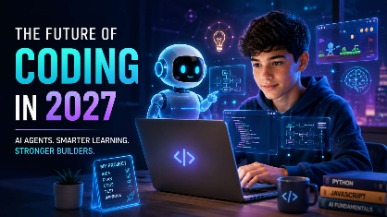
AI coding agents are changing how software is built, but what does this mean for students learning to code? Explore how coding education may evolve in 2027, the role of AI agents, and why programming fundamentals, problem-solving, creativity, and responsible AI use will remain essential for the next generation of builders.

AI tools like ChatGPT and GitHub Copilot are changing how code gets written — but they haven't made coding obsolete. In fact, coding skills are more valuable than ever. This guide helps parents understand why children should still learn programming, what skills truly matter in the AI era, and how starting early gives kids a lifelong advantage in any career they choose.
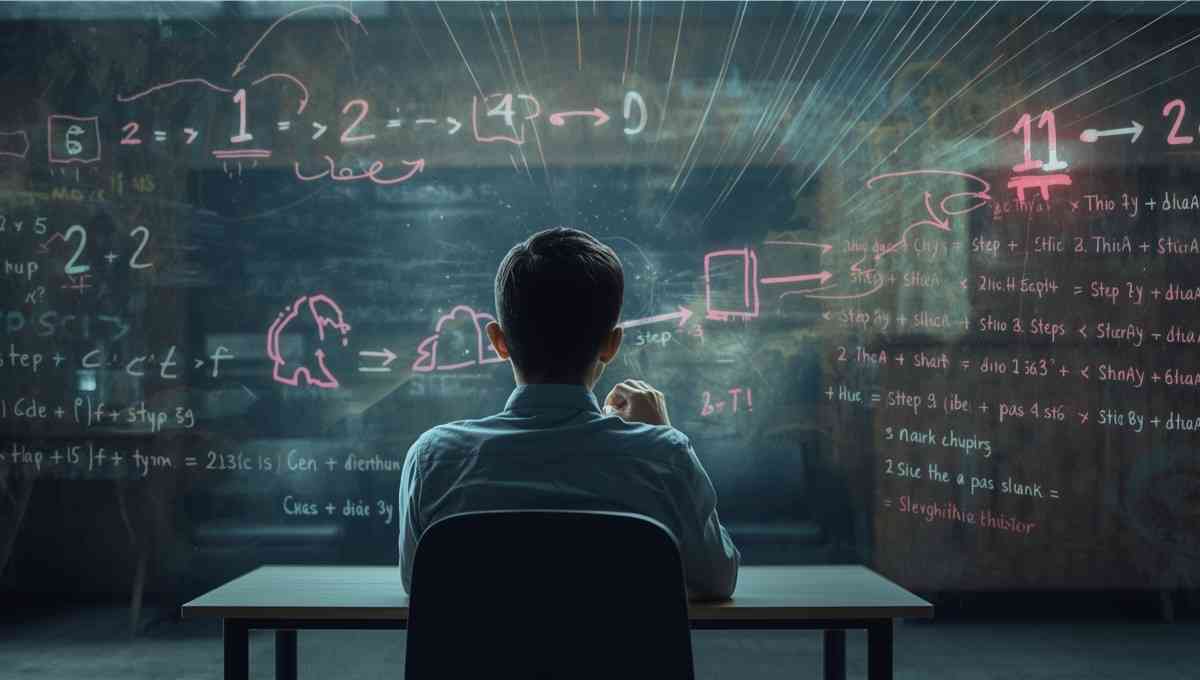
Vibe coding strengthens core math skills by reinforcing logic, patterns, and structured problem solving through hands-on programming. By applying math concepts in real projects, students build confidence, improve reasoning, and develop academic skills that support long-term success across subjects.
Tutors Near Big Spring, TX
Coding Tutor in CoahomaCoding Tutor in ForsanCoding Tutor in KnottCoding Tutor in StantonCoding Tutor in LenorahCoding Tutor in Garden CityCoding Tutor in TarzanCoding Tutor in WestbrookCoding Tutor in AckerlyCoding Tutor in GailCoding Tutor in IraCoding Tutor in Colorado CityCoding Tutor in MidlandCoding Tutor in Sterling CityCoding Tutor in Dunn
Chat with Us👋