Unlock Your Child's Full Potential Today!
1:1 live online • 1 dedicated academic counselor
STEM.org Accredited™ Partner
James Brown Scratch Coding Tutor in Chester, SC
Tutor Location
About James Brown
Welcome to the world of creative coding! I'm James Brown, your friendly neighborhood Scratch sensei. Based in the lovely town of Chester, SC, I have dedicated the past two years to transforming young minds through the joy of coding. My classes aren't just about learning; they're about experiencing the thrill of creation, innovation, and problem-solving. My aim is to ignite a passion for technology in your child that burns as brightly as it does in me.
Background
Born into a family that cherished education and technology, I gravitated towards computers at a young age. In college, I majored in Computer Science, which cemented my love for programming and teaching. After graduating, I discovered Scratch and saw it as the perfect tool to introduce kids to coding. Since then, I've been helping youngsters in Chester discover their potential as digital creators.
Expertise
I specialize in teaching Scratch, a block-based visual programming language and online community targeted primarily at children. My expertise lies in making complex concepts easily digestible. Kids walk into my class with curiosity and leave with the skills to build their very own video games, animations, and interactive stories.
By fostering a fun and inclusive classroom environment, I ensure that every child feels comfortable expressing their creativity. Whether your child is a total beginner or ready to level up their Scratch skills, I adapt my approach to meet their individual needs. My focus is not just on teaching coding—it's about developing critical thinking, project design, and logical reasoning skills.
FAQs
What age range do you teach?
I work primarily with children aged 7 to 14 years old.
Do you offer private or group sessions?
I offer both private one-on-one sessions and group classes. Group sessions are great for learning teamwork and collaboration!
What does a typical class look like?
A typical class involves a brief overview of the day's topic, hands-on coding activities, and a show-and-tell segment where students can share their creations.
Will my child need any special equipment or software?
Nope! All you need is a computer with internet access. Scratch is free and runs right in your web browser.
How can I track my child's progress?
I provide regular updates on your child's achievements and areas for improvement. Open communication is key!
Testimonials
"James has a knack for making coding approachable. My daughter lights up when she talks about her Scratch projects!" – Patricia L.
"In just a few months with Mr. Brown, my son went from gaming fan to game creator. We're thrilled with his progress." – Jeremy W.
"James makes his classes so lively and fun; my kids don't even realize how much they're learning. Hands down, he's the best coding tutor in Chester!" – Sandra H.
With an average rating of 4.6 stars based on 15 glowing reviews, it’s clear that my dedication to teaching isn't just a job—it's a passion. Reach out today, and let's set your child on a path to becoming a confident and creative coder!

James Brown
 4.6
4.6
Hourly rate
$20
Location
Chester, SC
Experience
2 years
Browse More Tutors in Chester, SC
Olivia Johnson
4.5
Hourly Rate
$20
Location
Chester, SC
Experience
9 years
Olivia Smith
4.9
Hourly Rate
$20
Location
Chester, SC
Experience
3 years
Liam Smith
4.8
Hourly Rate
$20
Location
Chester, SC
Experience
3 years
Emma Johnson
4.7
Hourly Rate
$20
Location
Chester, SC
Experience
8 years
Most Affordable Pricing Guaranteed
Find a lower price elsewhere, and we'll not only match it — we'll ensure you get the best deal possible
Flexible Payment Options


Select Subject & Preferences
Math
Online
Recent Blogs
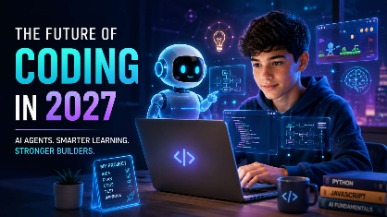
AI coding agents are changing how software is built, but what does this mean for students learning to code? Explore how coding education may evolve in 2027, the role of AI agents, and why programming fundamentals, problem-solving, creativity, and responsible AI use will remain essential for the next generation of builders.
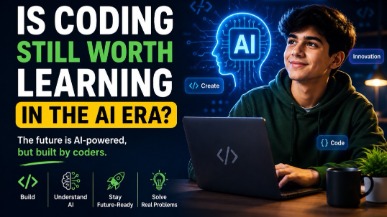
AI tools like ChatGPT and GitHub Copilot are changing how code gets written — but they haven't made coding obsolete. In fact, coding skills are more valuable than ever. This guide helps parents understand why children should still learn programming, what skills truly matter in the AI era, and how starting early gives kids a lifelong advantage in any career they choose.
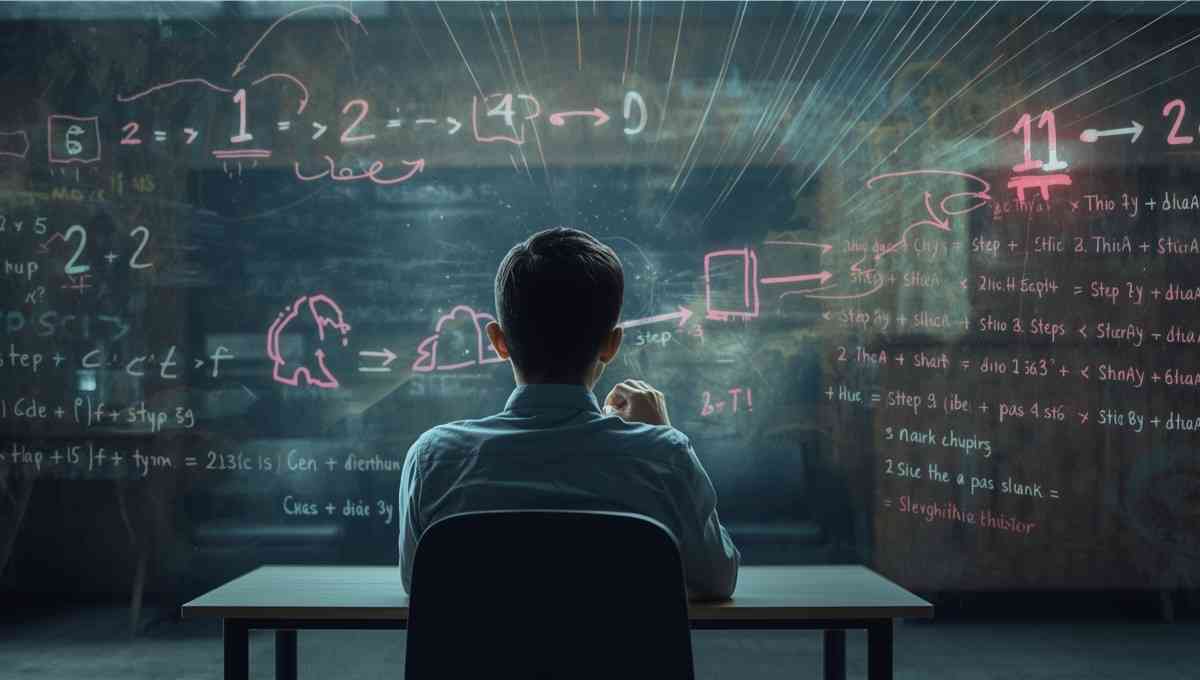
Vibe coding strengthens core math skills by reinforcing logic, patterns, and structured problem solving through hands-on programming. By applying math concepts in real projects, students build confidence, improve reasoning, and develop academic skills that support long-term success across subjects.
Tutors Near Chester, SC
Coding Tutor in BlackstockCoding Tutor in Mc ConnellsCoding Tutor in LandoCoding Tutor in RichburgCoding Tutor in EdgemoorCoding Tutor in LockhartCoding Tutor in BlairCoding Tutor in SharonCoding Tutor in Fort LawnCoding Tutor in CarlisleCoding Tutor in Rock HillCoding Tutor in Great FallsCoding Tutor in YorkCoding Tutor in CatawbaCoding Tutor in Newport
Chat with Us👋