Unlock Your Child's Full Potential Today!
1:1 live online • 1 dedicated academic counselor
STEM.org Accredited™ Partner
Amelia Williams Scratch and Roblox Coding Tutor in Manila, UT
Tutor Location
Tutor Profile: Amelia Williams
About Amelia Williams
Hello! I'm Amelia Williams, your dedicated guide to the fascinating world of coding for kids. With over 3 years of experience teaching in Manila, UT, I specialize in making the learning process enjoyable. My passion is to help young minds unlock their creativity and problem-solving skills through popular platforms like Scratch and Roblox. I believe in a philosophy where learning meets play, and every class is an adventure into the limitless possibilities of coding.
Background
Over the course of my teaching career, I have developed a profound understanding of how children learn and interact with technology. My academic background in computer science, combined with my experience working directly with kids, has equipped me with the expertise to craft lessons that are as educational as they are entertaining. I've had the pleasure of watching my students grow from novices to confident, budding programmers who can create their own games and projects.
Areas of Expertise
Scratch Coding: Designed specifically for young learners, I lead students through Scratch's intuitive interface to create animations, stories, and games while understanding the logic of coding.
Roblox Game Development: I assist students in bringing their imaginative game ideas to life on Roblox, teaching them how to use Roblox Studio and basic scripting to create their own virtual worlds and adventures.
Child-Friendly Learning Environments: My lessons are tailored to be kid-friendly, ensuring that students remain engaged and motivated throughout their learning journey.
FAQs
Testimonials
"Amelia has an incredible knack for making coding concepts simple and fun. My son is already creating games of his own after just a few months!" - Rachel S.
"We've tried other coding classes, but Amelia's approach has been the most engaging by far. She has a wonderful way with the kids." - Darren W.
"Our daughter looks forward to every session with Amelia. It’s amazing to see her build her own Scratch projects with such enthusiasm." - Leticia R.
Amelia Williams has become one of Manila's top tutors, with an average rating of 4.1 stars from 36 reviews. If your child is poised to delve into the world of Scratch and Roblox, look no further. Amelia is ready to make coding an adventure they'll love every step of the way.

Amelia Williams
 4.1
4.1
Hourly rate
$20
Location
Manila, UT
Experience
3 years
Browse More Tutors in Manila, UT
Isabella Williams
4.1
Hourly Rate
$20
Location
Manila, UT
Experience
6 years
Liam Smith
4.5
Hourly Rate
$20
Location
Manila, UT
Experience
6 years
James Johnson
4.8
Hourly Rate
$20
Location
Manila, UT
Experience
9 years
Henry Smith
4.8
Hourly Rate
$20
Location
Manila, UT
Experience
3 years
Most Affordable Pricing Guaranteed
Find a lower price elsewhere, and we'll not only match it — we'll ensure you get the best deal possible
Flexible Payment Options


Select Subject & Preferences
Math
Online
Recent Blogs
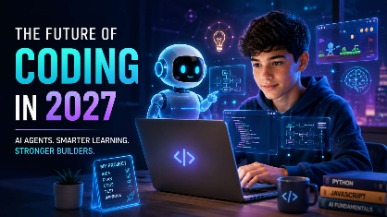
AI coding agents are changing how software is built, but what does this mean for students learning to code? Explore how coding education may evolve in 2027, the role of AI agents, and why programming fundamentals, problem-solving, creativity, and responsible AI use will remain essential for the next generation of builders.
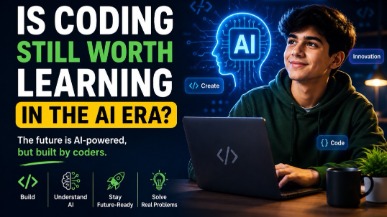
AI tools like ChatGPT and GitHub Copilot are changing how code gets written — but they haven't made coding obsolete. In fact, coding skills are more valuable than ever. This guide helps parents understand why children should still learn programming, what skills truly matter in the AI era, and how starting early gives kids a lifelong advantage in any career they choose.
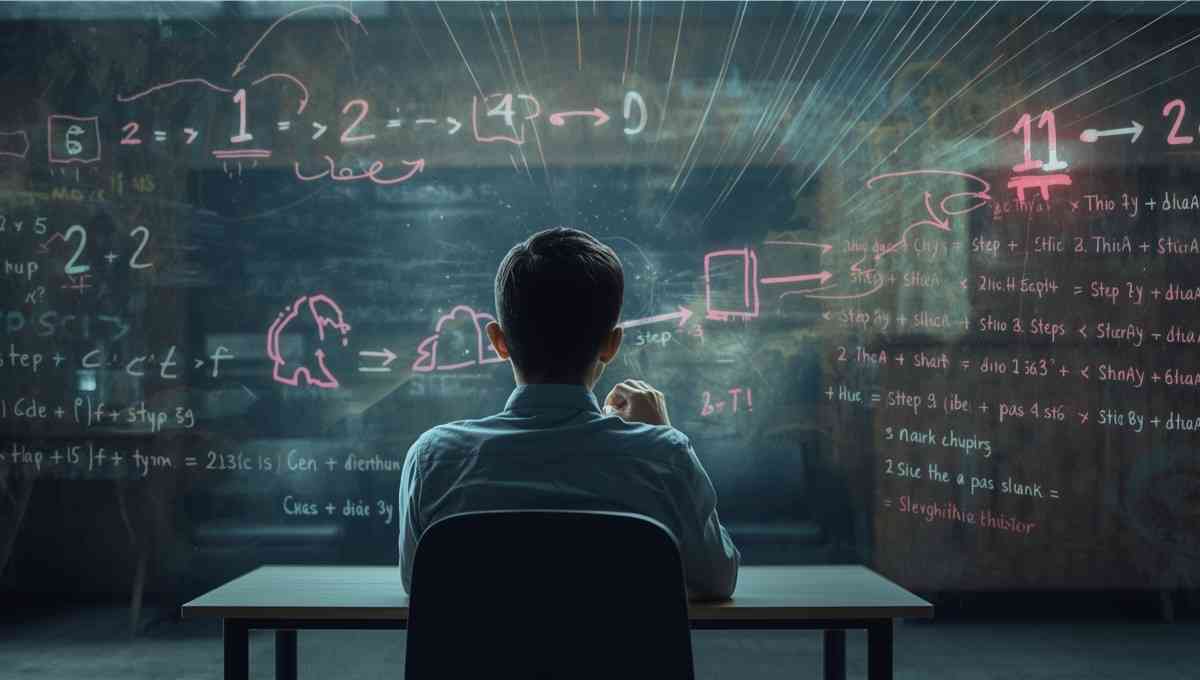
Vibe coding strengthens core math skills by reinforcing logic, patterns, and structured problem solving through hands-on programming. By applying math concepts in real projects, students build confidence, improve reasoning, and develop academic skills that support long-term success across subjects.
Tutors Near Manila, UT
Coding Tutor in Mc KinnonCoding Tutor in Dutch JohnCoding Tutor in LonetreeCoding Tutor in Mountain ViewCoding Tutor in LymanCoding Tutor in TridellCoding Tutor in VernalCoding Tutor in WhiterocksCoding Tutor in Fort BridgerCoding Tutor in RobertsonCoding Tutor in Little AmericaCoding Tutor in Green RiverCoding Tutor in NaplesCoding Tutor in NeolaCoding Tutor in Lapoint
Chat with Us👋